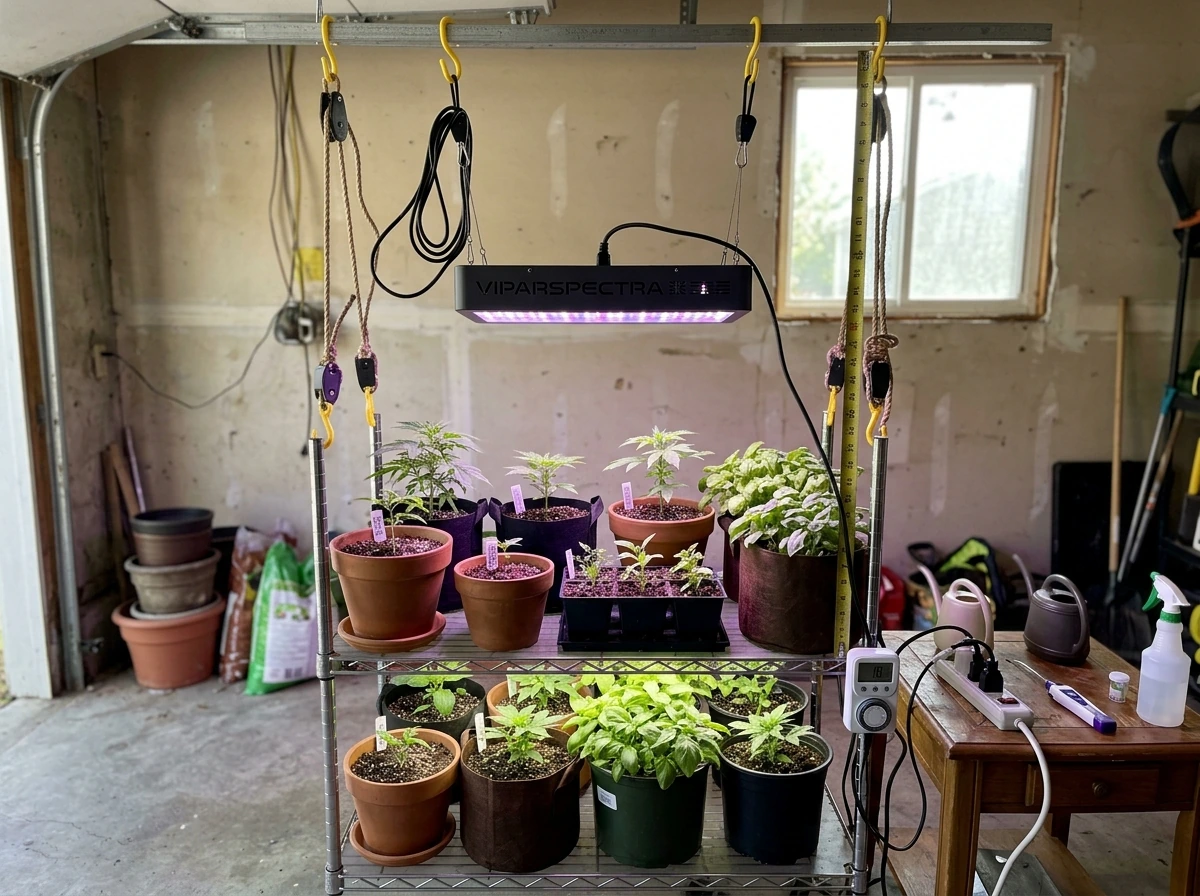
If you searched 'where to buy grow lights Schedule 1,' there are two very different things you might be looking for, and it matters a lot which one you mean. Either you're an indoor gardener trying to buy LED grow lights that match a specific lighting schedule or timing routine (what most people on this site need), or you've been playing the video game 'Schedule 1' and want to find the in-game LED Grow Light item. This guide is going to sort that out fast, then give you a clear, practical path to buying and setting up the right grow light for your plants.
Where to Buy Grow Lights Schedule 1: LED Options + Checklist

Marcus Tillman
24 Mar 2026
First, let's clear up what 'Schedule 1' actually means here
In the indoor gardening world, 'Schedule 1' is not a specific grow light brand, model, or product line. The phrase most commonly refers to one of two things. First, it can refer to a lighting schedule, meaning the specific combination of daily on/off hours (photoperiod) and intensity (measured in PPFD, or micromoles per square meter per second) that you run your lights on during a particular stage of plant growth. Second, and this one surprises a lot of people, some LED grow light controllers literally label their programmable timer slots 'Schedule 1' and 'Schedule 2.' On those controllers, Schedule 1 just means the first saved on/off time block you've programmed. So when someone says they want to 'run Schedule 1,' they're usually talking about a specific timed lighting routine, not a particular lamp you can order by that name.
The video game angle is real too. 'Schedule 1' is an actual game with an in-game item database that includes an 'LED Grow Light' listed at a specific in-game price. Gaming coverage even references a 'Simple LED Grow Light ($80)' as part of faster in-game plant growth. If that's what you were searching for, jump down to the section near the bottom of this article where I address the game specifically. If you're here for real plants and real lights, keep reading.
Where to actually buy LED grow lights
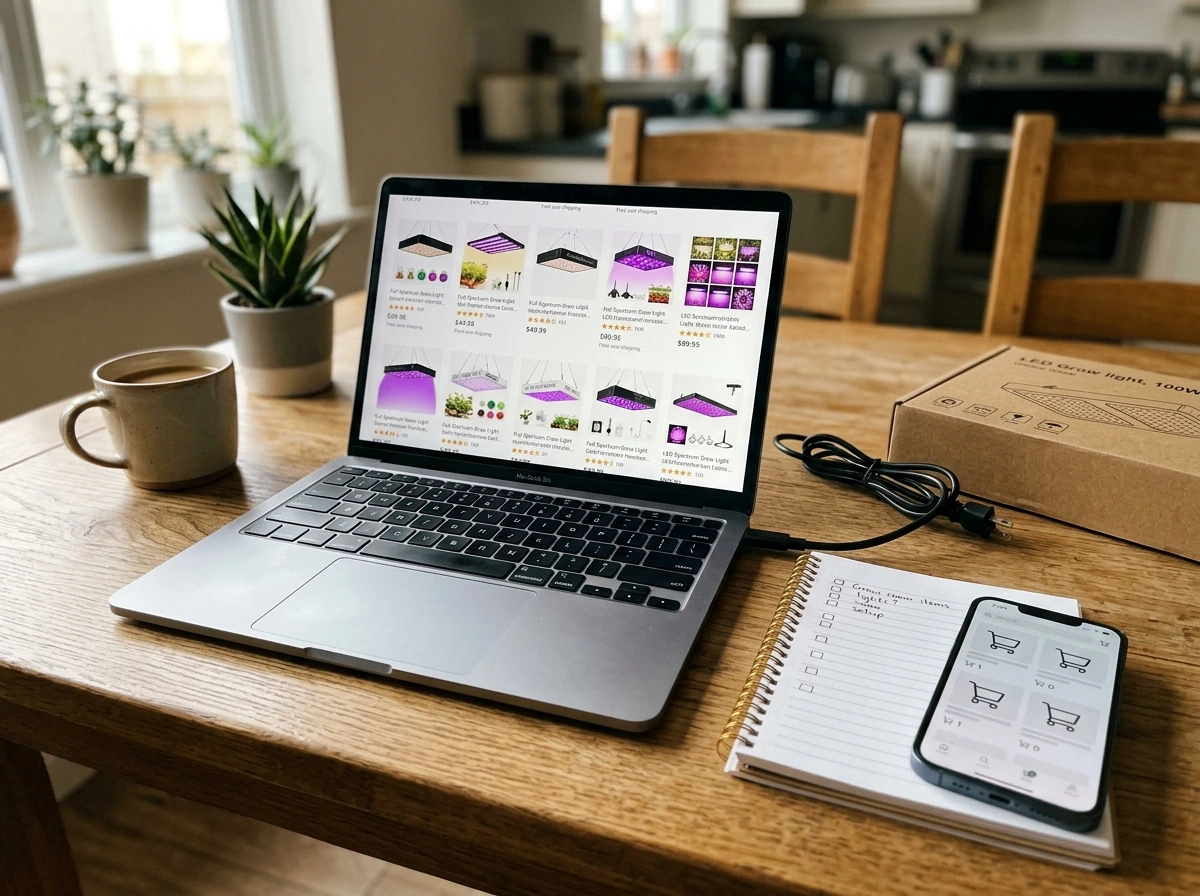
You don't need a specialty supplier to get a solid grow light, but knowing where to look saves you from buying something useless. Here are the best channels, from most accessible to most specialized.
Online marketplaces (Amazon, Walmart, Temu)
Amazon is the easiest starting point for most people. Search 'dimmable LED grow light with timer' and you'll see hundreds of options. Walmart's website also carries grow lights and some listings explicitly describe timer modes like '3H, 9H, 12H' settings with 10 dimmable brightness levels built in. These are budget-friendly and ship fast. The catch is that quality varies wildly, so you need to verify specs before buying, which I'll cover below.
Specialty grow retailers
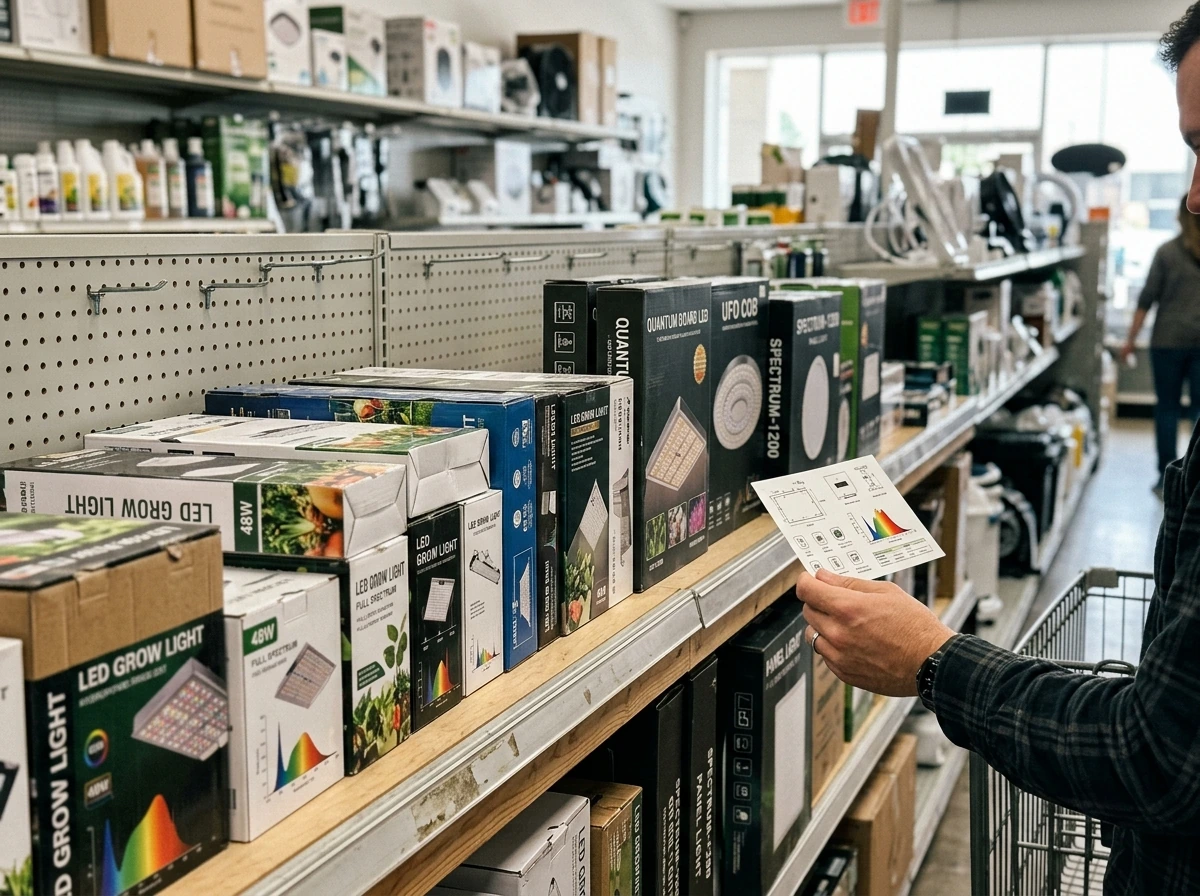
GrowGeneration is one of the largest dedicated grow-gear retailers in the US, with both a website and physical stores. They have a full LED Grow Lights category plus a lighting and controls section where you can find compatible timers and dimmers. HTG Supply is another solid option, and they specifically sell dimmable LED grow lights with documentation about staged power use, which is exactly what you need if you're trying to run a Schedule 1-style escalating intensity routine. These stores tend to stock commercial-grade options alongside beginner setups.
Brand direct websites
Brands like Mars Hydro, Spider Farmer, AC Infinity, and HLG sell directly from their own sites. Buying direct often gets you better warranty support and compatibility documentation. Mars Hydro, for example, has a smart control ecosystem (the iHub) that lets you program dimming and on/off schedules from an app, using RJ11/RJ12 connection cables. If you want app-based schedule control rather than a physical timer, direct brand sites are your best bet for getting matching accessories.
Local options
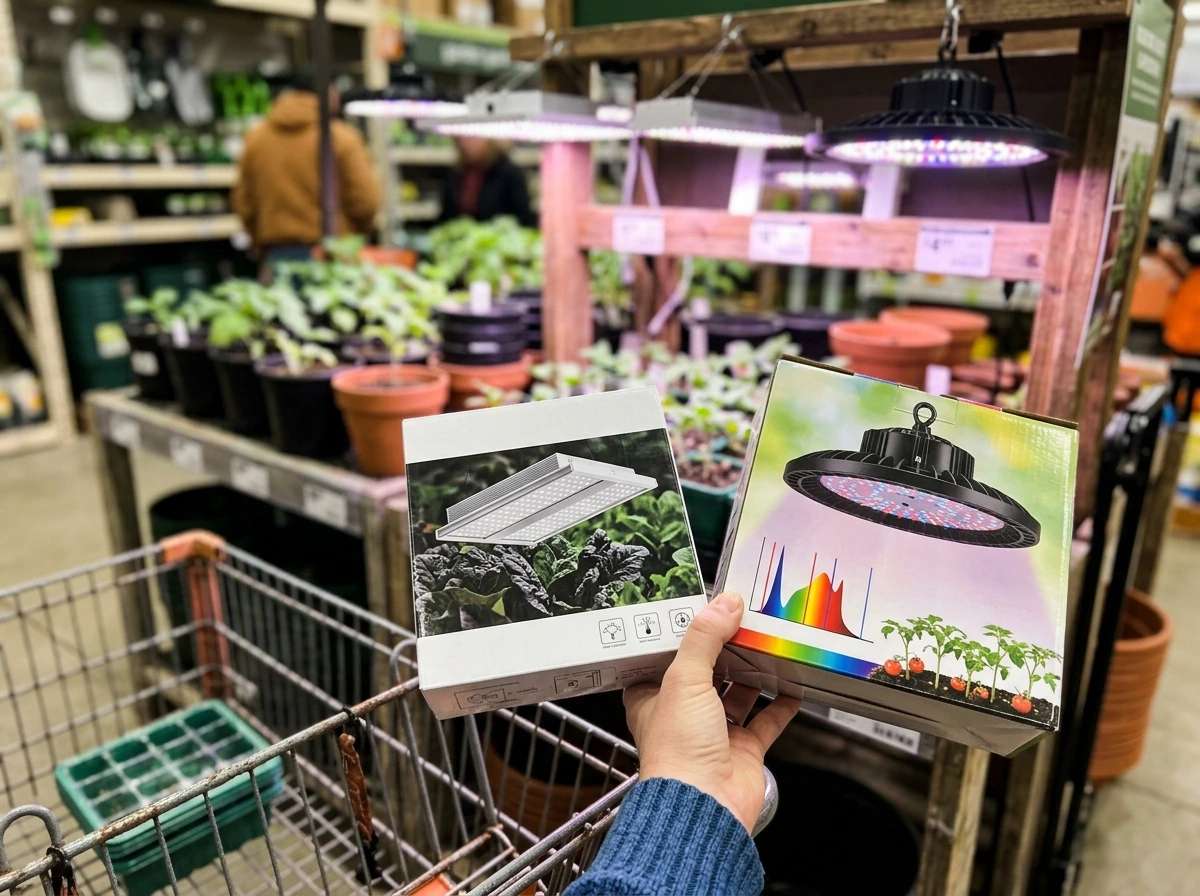
Home Depot and Lowes carry grow lights in their garden sections, though selection is limited. Local hydroponic shops (search 'hydro store near me' or 'grow shop near me') are great because staff can answer questions in person. If you're in a state with a legal cannabis market, cultivation supply shops are everywhere and carry professional-grade equipment at reasonable prices.
What to search for
Don't search 'Schedule 1 grow light' on retail sites because that phrase doesn't match any real product category. Instead, use these search terms depending on what you need:
- Dimmable LED grow light with timer (best general search)
- Full spectrum LED grow light seedlings (for early-stage plants)
- LED grow light with RJ12 dimming (for smart controller compatibility)
- LED grow light 2x2 or 4x4 (replace with your actual coverage area)
- LED grow light with programmable schedule (for controller-based timer slots)
How to confirm a light matches your Schedule 1 setup before you buy
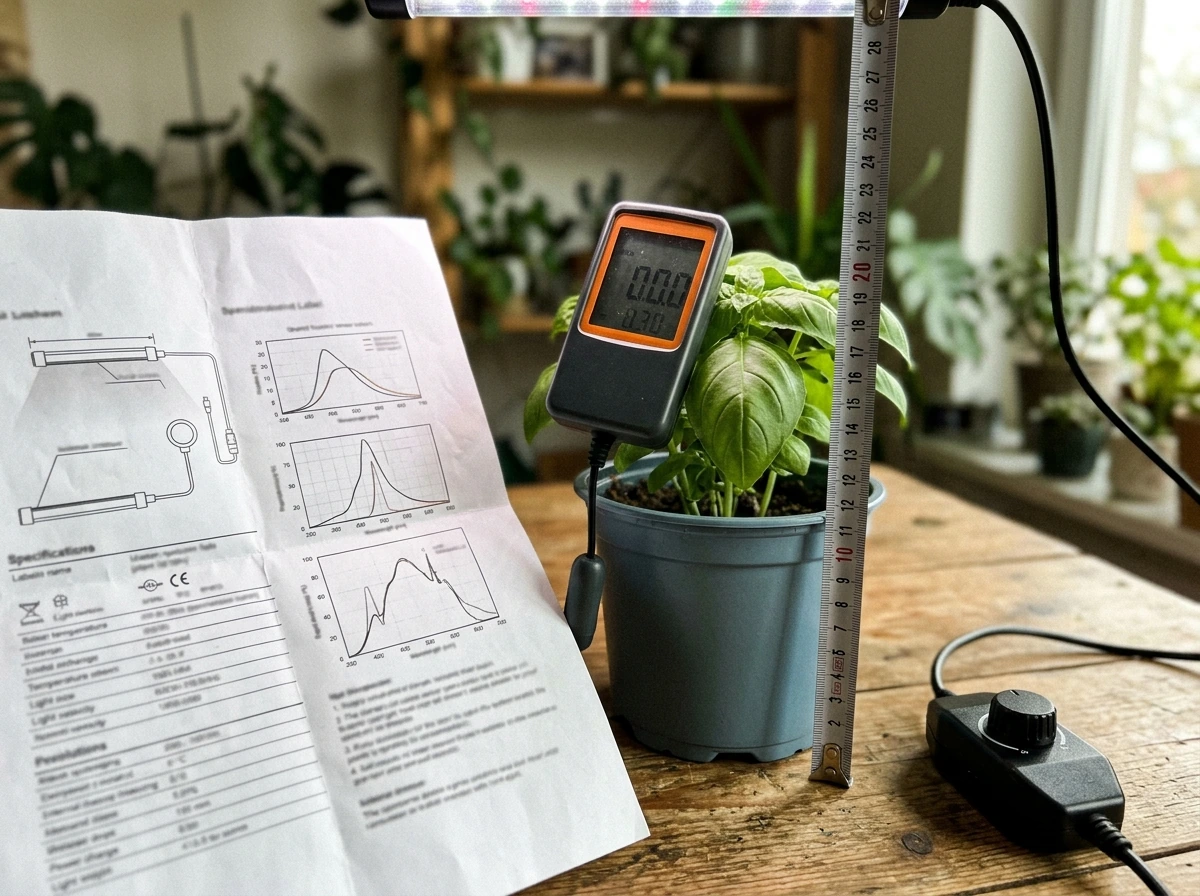
The biggest mistake beginners make is buying on wattage alone. Wattage tells you how much power a light draws, not how much usable light your plants actually receive. The number you want is PPFD, which stands for Photosynthetic Photon Flux Density and is measured in µmol/m²/s. That's the metric that tells you whether your lights are strong enough for the stage you're running. Most reputable listings include a PPFD chart at a given hanging distance.
For a typical Schedule 1 routine where you're starting seedlings under lower intensity and escalating as plants develop, you want a light that can actually deliver different PPFD levels, not one that's always at full power. A seedling stage generally wants around 200 to 400 µmol/m²/s, while a vegetative stage might want 400 to 600 µmol/m²/s or more. If the light can't dim below 50% reliably, it's harder to run a proper staged schedule.
When checking a listing, look for the manufacturer's claimed PPFD at a specific height (like '500 µmol/m²/s at 18 inches'). Take those numbers with a grain of salt if they don't specify the measurement area or distance. A proper PPFD measurement is taken with the sensor level and aimed at the canopy. Some serious growers use a quantum sensor like the Apogee MQ-500 to verify actual values versus marketing claims, though that's a $200+ tool most beginners don't need to buy.
Quick buying checklist: confirm these before you check out
- Spectrum: Look for 'full spectrum' (roughly 400–700 nm). Avoid lights that are only red/blue blurple unless you have a specific reason.
- PPFD at canopy distance: The listing should state µmol/m²/s at a specific hanging height. Confirm it matches your target stage range.
- Dimmability: Confirm the light can be dimmed, and check how many steps (10 levels is common; stepless dimming is even better).
- Timer compatibility: Does the light have a built-in timer, a controller port, or do you need an external outlet timer? Know this before checkout.
- Coverage area: Match the light's rated footprint (e.g., 2x4 ft) to your actual growing space. Don't buy a 4x4 light for a single shelf.
- Dimming interface type: If you want smart/app control, check whether it uses RJ11 or RJ12 and whether that matches your controller or app ecosystem.
- Safety certification: Look for UL Listed or ETL Listed on the product page. For horticultural lighting in the US, UL 8800 is the relevant standard. If no safety listing is mentioned, that's a red flag.
- Plug type and voltage: Confirm it's standard 120V (US) or 240V depending on your location, and that the plug matches your outlet.
- Heat output: Check if the light is fan-cooled or passive. Fan-cooled lights are louder but typically run cooler in tight spaces.
- Return policy: For grow lights, a 30-day return window matters because you won't know if the light is working correctly until you've run it for a week or two.
Setting up timers and dimmers to actually run a Schedule 1 routine
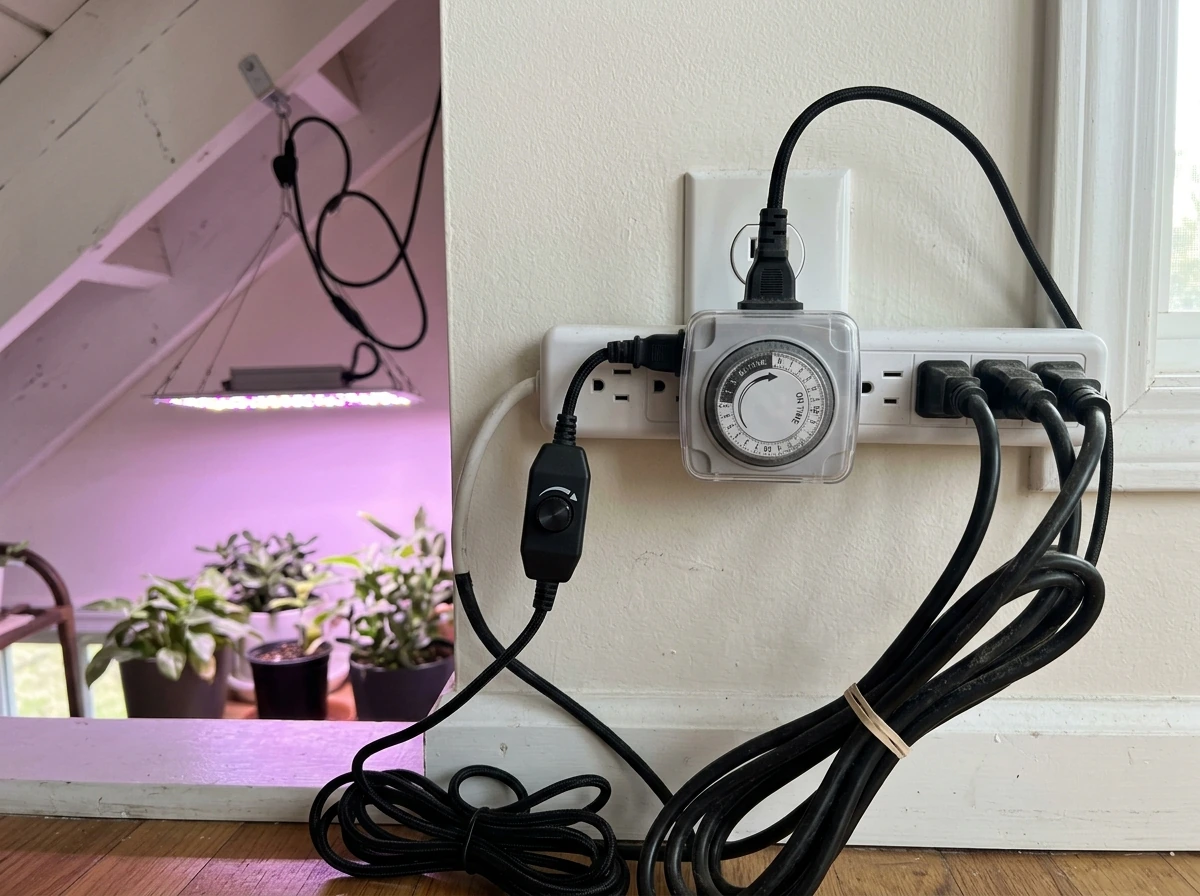
Once your light arrives, the setup that matters most is getting the timer and dimmer working together. A proper 'Schedule 1' lighting routine has two components: how many hours per day the light is on (photoperiod), and how bright it runs during those hours (intensity). You need to nail both, not just one.
Option 1: Built-in controller on the light
Many mid-range grow lights come with an integrated controller that has both a timer and a dimmer. On these, you set your photoperiod by pressing timer buttons (look for buttons labeled 'Timer' or sometimes just hour settings like 3H, 9H, 12H) and set intensity using a dial or +/- buttons. Some of these controllers have multiple schedule slots literally labeled 'Schedule 1' and 'Schedule 2,' where each slot stores a separate on-time and off-time. To program Schedule 1 on one of these, you enter your desired on-clock time and off-clock time for that slot, and the light follows that cycle automatically every day.
Option 2: External outlet timer
If your light doesn't have a built-in timer, plug it into a mechanical or digital outlet timer. A basic mechanical timer from a hardware store costs around $10 and works fine. Set it to your target photoperiod (18 hours on / 6 off for seedlings and veg, 12/12 for flowering plants that need dark periods to bloom). Pair this with the light's built-in dimmer knob to control intensity separately. This two-component approach is what most budget growers use and it works reliably.
Option 3: Smart controller ecosystem
Brands like Mars Hydro (iHub) and AC Infinity let you control both timing and dimming through a smartphone app. You program your schedule in the app, and it sends commands through the controller. The key thing to confirm before buying into this ecosystem is that your light uses the same dimming cable interface (RJ11 or RJ12) as the controller. If the cable types don't match, the dimming won't work, and you'll just have remote on/off control at best.
A practical starting schedule for most indoor plants
| Growth Stage | Daily Hours On | Recommended PPFD | Dimmer Setting (approx) |
|---|---|---|---|
| Seedlings (weeks 1–2) | 16–18 hours | 200–400 µmol/m²/s | 30–50% |
| Young vegetative (weeks 3–5) | 16–18 hours | 400–600 µmol/m²/s | 50–70% |
| Mature vegetative | 16–18 hours | 600–800 µmol/m²/s | 70–100% |
| Flowering (photoperiod sensitive) | 12 hours | 600–900 µmol/m²/s | 80–100% |
| Houseplants (general) | 12–14 hours | 150–400 µmol/m²/s | 30–60% |
These ranges work for most common plants. The exact numbers depend on your specific plant species, how much natural light the space already gets, and whether you're running CO2 enrichment (which allows higher PPFD). If you want more detail on timing by plant type, check out the guides on using grow lights for seedlings and for [houseplants specifically](/grow-light-schedules/how-to-use-a-grow-light-for-houseplants), as those go much deeper into stage-by-stage adjustments.
Common setup mistakes to avoid
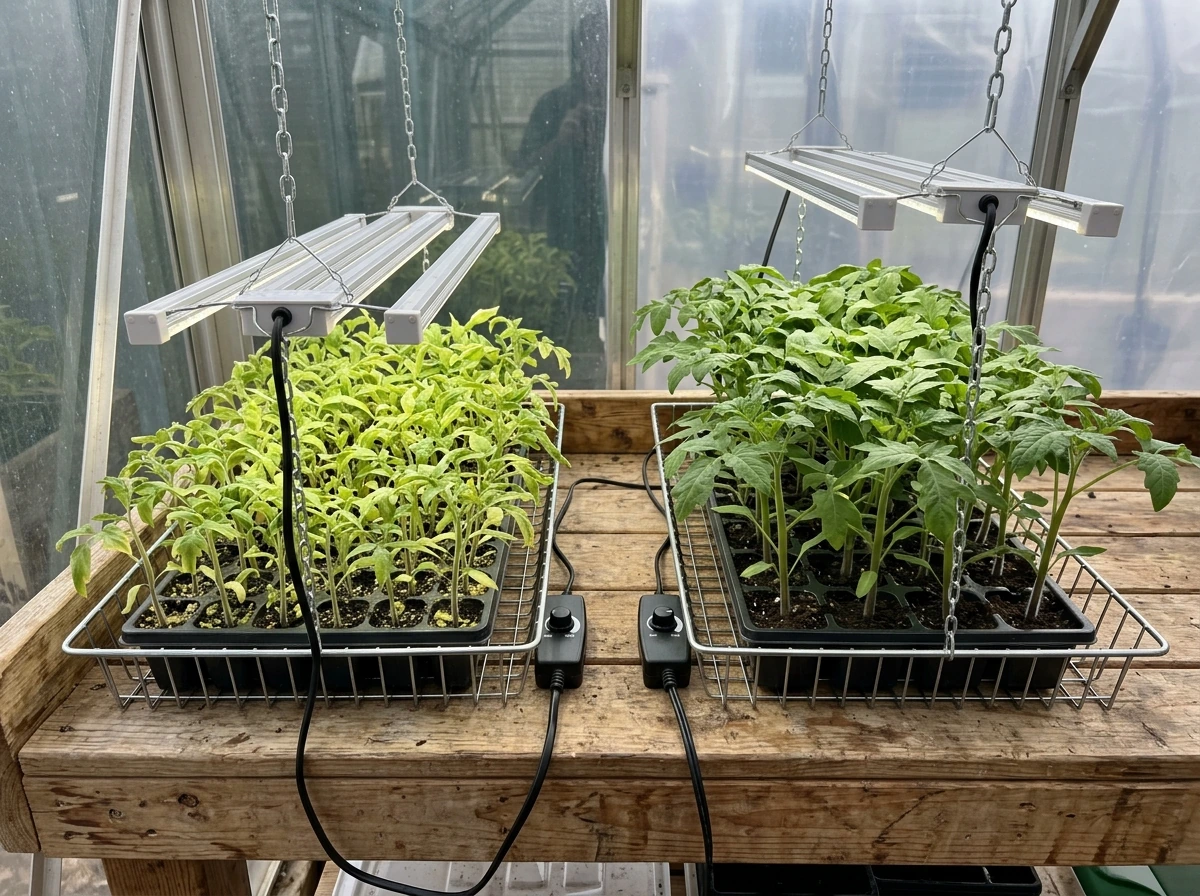
- Running full power from day one on seedlings: Too much light stresses young plants. Start at 30–40% and raise it gradually over two weeks.
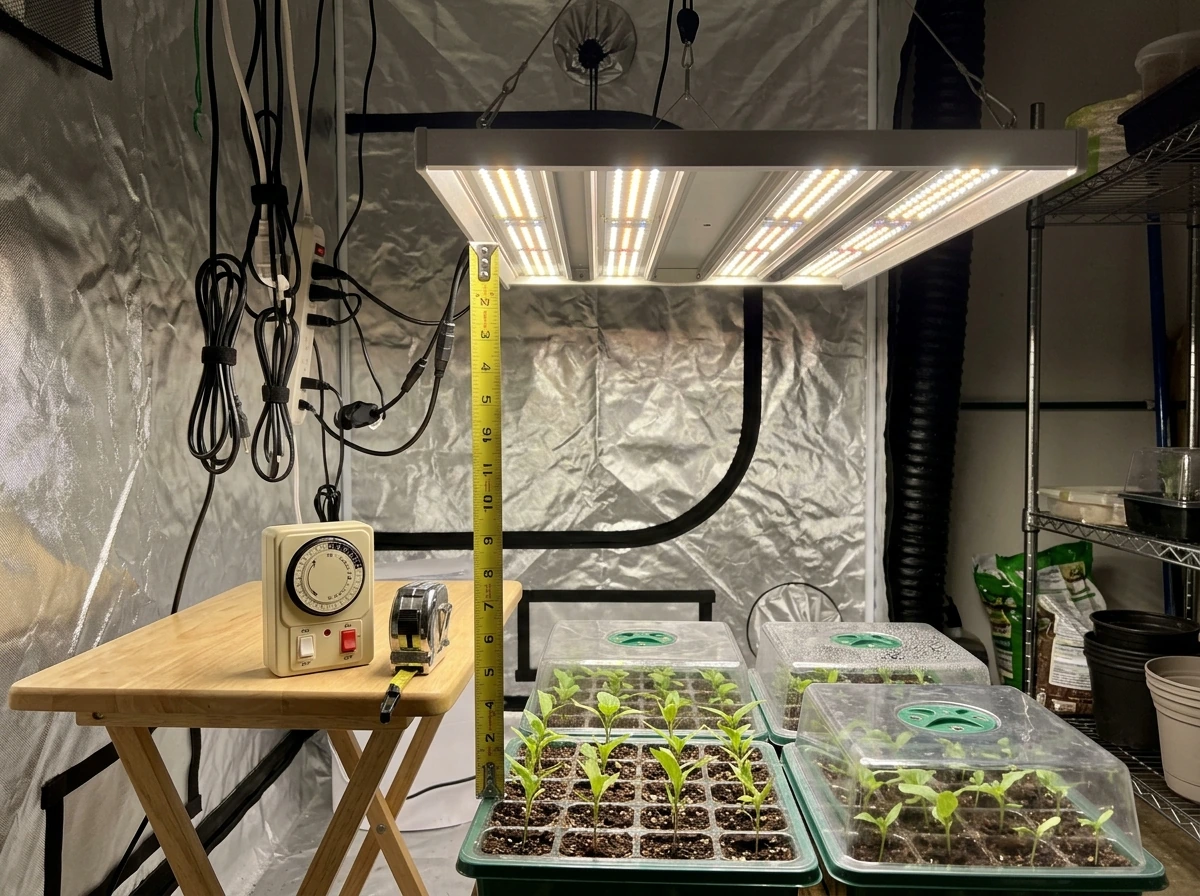
- Hanging the light too close: Closer isn't always better. Check the manufacturer's recommended hanging height and start there. Most lights for seedlings should be 24–36 inches above the canopy initially.
- Relying on wattage to set intensity: Dimmer percentage doesn't translate linearly to PPFD. If you want to verify actual intensity, use a free PPFD calculator app with your phone's sensor as a rough estimate, knowing it's not perfectly accurate.
- Forgetting to reset the timer after a power outage: Many mechanical timers lose their setting after power cuts. Check your schedule the morning after any outage.
- Using only on/off timer without setting intensity: Running a 12/12 timer at full blast is not the same as running a properly balanced schedule. Both hours and intensity matter.
If you were actually searching for the Schedule 1 game item
The video game 'Schedule 1' is a separate thing entirely from indoor gardening grow lights. It has its own in-game item catalog, and 'LED Grow Light' is a purchasable item within that game. Gaming coverage describes this item, including a 'Simple LED Grow Light' priced at $80 in-game, as part of mechanics related to growing plants faster in the game. You won't find this item on Amazon, GrowGeneration, or any gardening retailer because it doesn't exist as a physical product. To get the LED Grow Light in Schedule 1 (the game), you need to look at the in-game shop or consult the Schedule 1 wiki and game guides, not a gardening website. If you ended up here looking for the game item, I hope this at least cleared up the confusion quickly.
Your next steps right now
Here's the short version of what to do today if you're a real-world grower ready to act. Figure out your grow space size first, because that determines the wattage and coverage area you need. Then go to Amazon, GrowGeneration, or HTG Supply and search 'dimmable full spectrum LED grow light' plus your space dimensions, this is also the key phrase for how to use full spectrum grow lights. Use the checklist above to verify PPFD claims, dimming capability, timer features, and safety certifications before buying. Once the light arrives, set your dimmer to 40–50% for the first two weeks regardless of what plants you're growing, use an outlet timer or the built-in controller to set your photoperiod, then increase output gradually, see when should i turn my grow light to 100 percent, and raise intensity gradually from there. That's it. The 'Schedule 1' routine isn't complicated once you know what it actually means, and the equipment to run it is widely available at any price point.
FAQ
If a grow light listing only shows watts, how can I tell whether it will meet a Schedule 1 style intensity ramp?
Look for PPFD at a stated height and measurement method, or at least a PPFD map. If the seller does not provide PPFD (or provides only efficacy like lm/W), treat it as a red flag for staged intensity, since you will not know whether the light can hit 200 to 400 µmol/m²/s at seedling height and still dim smoothly for the ramp.
What should I verify about dimming before I buy, beyond “dimmable” in the title?
Confirm the dimming range and whether it is continuous or step-based. Also check that the dimmer works down to at least 50% without flicker or shutdown, and verify the dimming interface type (RJ11/RJ12 or a proprietary cable). Some lights dim for output but not linearly, which can throw off your intended Schedule 1 intensity steps.
Can I use both a built-in timer and an external outlet timer at the same time?
Usually avoid double-timing. Use one timing source only, built-in or external, because combining them can create unintended behavior like the light turning on at the outlet schedule but staying at an unexpected dim level depending on how the controller stores modes. If you must use both, set the internal controller to “always on” or the simplest timer mode and let the outlet timer handle the photoperiod.
How do I choose the right Schedule 1 on and off times if my room has limited natural daylight?
Base the photoperiod on your plant stage and your light intensity plan, not on the clock alone. If natural light is weak or inconsistent, keep the photoperiod consistent (same on/off window daily) and adjust intensity via dimming instead. If your room gets bright during the day, consider running a shorter on window while holding similar PPFD at the canopy to avoid overshooting.
My light shows different PPFD values from different sites. What’s the best way to interpret them?
Treat PPFD claims as conditional. Check the reported hanging height, whether the PPFD is center-only or averaged across the footprint, and the measurement target area (canopy level). Prefer listings that specify the exact distance and test conditions. If those details are missing, assume the real-world values could be significantly lower, especially at the edges.
What if my dimmer knob changes brightness but not at the intensity levels I expect from the schedule?
Reconcile the schedule with the light’s actual output at your height. Many controllers use percentage steps that do not match marketing PPFD linearly. Start with a safe base (for example, 40 to 50% output) and then adjust one variable at a time, verify canopy response (stretching, leaf color), and only then fine-tune intensity targets.
Is it okay to run the light on the same Schedule 1 every day including weekends and holidays?
Yes, as long as the photoperiod and intensity remain consistent. The bigger risk is inconsistent start times week to week, especially for plants that need strict dark periods. If you will be away, use a controller or outlet timer that has reliable power-loss memory, or test the schedule after any power outage so it resumes as expected.
Do I need an extra dimmer if my light has an app schedule but also a physical brightness control?
Often no, but confirm how the app communicates with the driver. If the brand uses an integrated dimming system, the app usually sets intensity through the same dimming channel as the hardware control. If you mix devices (for example, app for on/off and separate dimming hardware), you can end up with conflicting settings or overwritten intensity levels.
How can I prevent safety issues when buying a timer and grow light bundle?
Verify electrical ratings and certifications for both the light and the timer, and ensure the timer’s load rating covers the light’s actual power draw. Also check whether the timer is intended for LED drivers (some inexpensive timers are designed for incandescent loads and can behave oddly). If you see “no certifications” language or unclear ratings, skip it.
What’s the easiest way to set up Schedule 1 when my light has multiple schedule slots?
Use one slot for your current plant stage (for example, Schedule 1 for seedlings) and keep other slots unused until you are ready to transition. This reduces confusion during stage changes. When you switch stages, update Schedule 1 only after confirming the dim level and target height, then let it run consistently for at least several days to see plant response.
Can I run Schedule 1 in a closet or tent with ventilation issues?
Do not rely on schedules alone, temperature and airflow can change how plants respond to PPFD. If your canopy runs hot, you may need to lower intensity earlier than planned even if the schedule says otherwise. For staged ramps, check temperature at canopy height and adjust intensity gradually, because heat stress can mimic “too much light.”},{
Next Article
How to Use Grow Lights: Step-by-Step Setup for Plants
Step-by-step guide to using grow lights: placement, distance, bulb types, scheduling, and fixes for burning or stretchin